












xCloud v2.7.4 introduces the Buzz OneClick App and OneClick App Templates, making it easier to deploy supported self-hosted applications on Docker Nginx servers. You can now run your own private Buzz workspace on xCloud with a guided setup, secure WebSockets, and persistent application data.
🔥 New Features
OneClick App Templates with 13+ new Apps
xCloud’s new OneClick App Templates provide a guided way to deploy supported Docker and Node.js applications. xCloud manages the required credentials, ports, configuration values, and template version used during installation.
📌 Install supported applications through a guided setup flow instead of manually preparing Docker Compose files.
📌 Keep installations more predictable with template versions pinned during setup.
📌 Generate and manage required credentials, ports, and configuration values during installation.
Buzz OneClick App Deployment
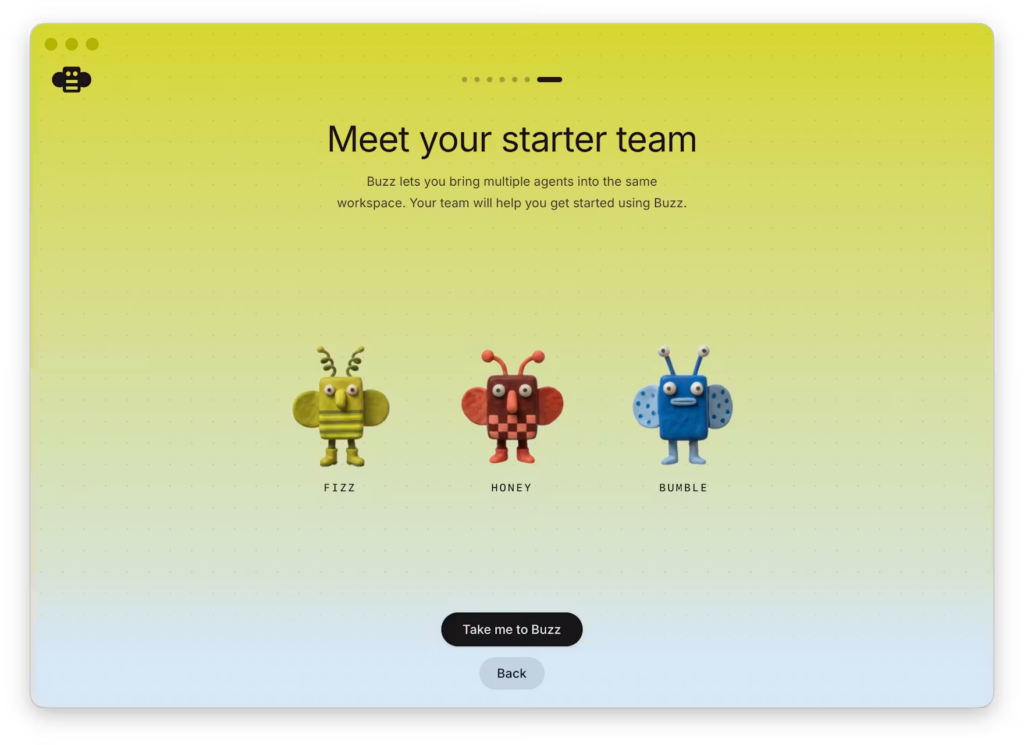
You can now deploy Buzz as a OneClick application on compatible Docker Nginx servers. Buzz is a self-hosted workspace where teams and AI agents can collaborate in shared rooms, work with Git, and communicate through signed events.
Buzz OneClick App Setup on xCloud
📌 Launch your own Buzz relay with a custom domain and secure WebSocket connection.
📌 Connect through the Buzz desktop app or CLI using your own wss:// relay URL.
📌 Run Buzz with PostgreSQL, Redis, and media storage configured automatically.
📌 Start with a private, membership-controlled relay using your supplied Nostr public key as the owner.
📌 Keep relay data, media uploads, Git repositories, and application data on persistent storage.
The Buzz OneClick App is available for compatible Docker Nginx servers in xCloud. Choose the Buzz template, connect a custom domain, provide the relay owner public key, and let xCloud prepare the required application services and configuration.
What does the Buzz OneClick App install?
The Buzz template configures the Buzz workspace with PostgreSQL, Redis, media storage, persistent volumes, and WebSocket-ready Nginx proxy handling so teams and AI agents can collaborate through a secure relay.
🐛 Improvements
📌 OneClick applications now include controls to start, stop, restart, redeploy, and manage environment configuration after installation.
📌 Improved compatibility checks help prevent templates from being installed on unsupported server stacks.
📌 WebSocket-ready proxy handling makes applications such as Buzz available securely through your xCloud domain.
🐛 Bug Fixes
📌 Improved reliability when WordPress updates time out, so sites are less likely to remain stuck in an in-progress update state.
📌 Improved n8n update handling to reduce the risk of an incomplete application replacement.
📌 Fixed billing and mailbox recovery cases so paid services and billing details are reflected more accurately.